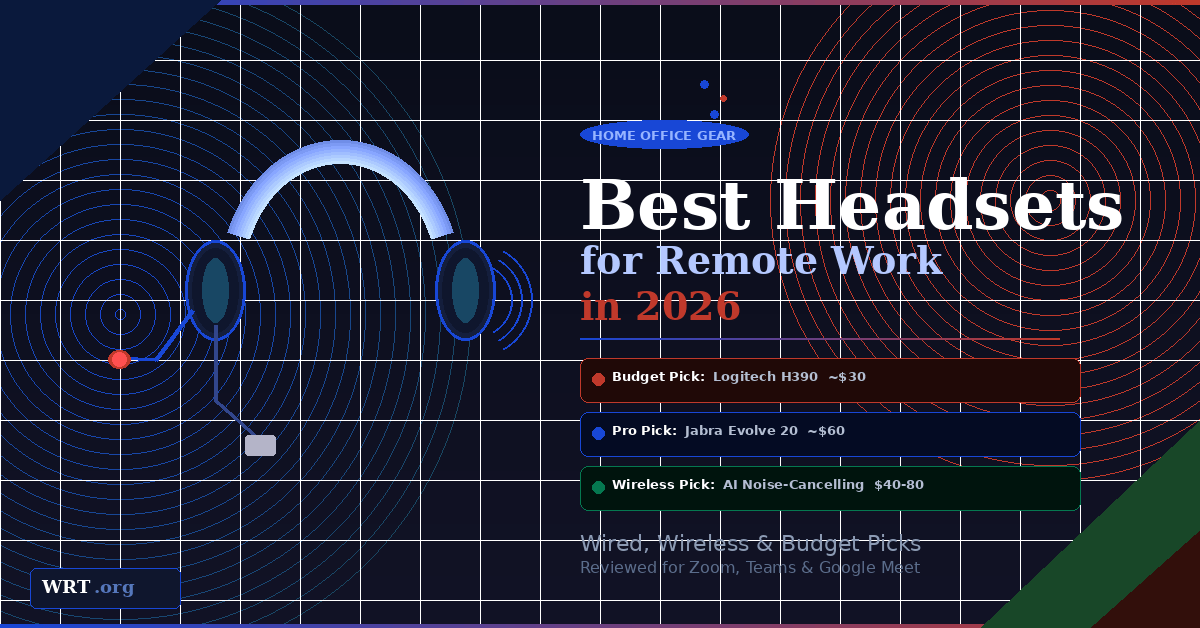
Best Headsets for Remote Work in 2025 (Wired, Wireless, and Budget Picks)
If you work remotely, your headset is not optional. It is part of your income stack.
Whether you are on client calls, daily standups, sales demos, or job interviews, audio quality shapes how professional you sound. A weak microphone makes you sound distant or muffled. Poor noise isolation makes you sound chaotic. An uncomfortable headset makes long calls miserable.
When choosing the best headsets for remote work, focus on four things: microphone clarity, noise handling, connection type, and comfort for all-day wear. Below are three practical, proven picks across every budget in 2025.
Quick Picks
| Headset | Best For | Price | Connection |
|---|---|---|---|
| Logitech H390 Budget | Plug-and-play simplicity | ~$30 | Wired USB |
| Jabra Evolve 20 | Professional, revenue-tied calls | $50–$70 | Wired USB |
| Wireless + AI Noise Cancelling | Moving around during calls | $40–$80 | USB Dongle |
Not sure which to pick? Fixed desk, go wired USB. Move around on calls, go wireless with a USB dongle. Budget under $40, get the H390. Calls are central to your income, get the Jabra.
If you want something simple that just works, the Logitech H390 is hard to beat. It is a wired USB headset that has been a top seller for years. Plug it into your computer and it works instantly with Zoom, Teams, Google Meet, and most call software — no drivers, no Bluetooth pairing, no charging.
It includes an adjustable boom mic with built-in noise reduction and in-line volume and mute controls on the cable. For the price, nothing in this category comes close.
Pros
- Extremely affordable
- Stable, simple USB connection
- Noise-reducing boom mic
- In-line volume and mute controls
- Zero setup required
Cons
- Wired only
- Basic plastic build
- Not ideal for very loud environments
If your calls are client-facing or revenue-tied, step up to something built for business environments. The Jabra Evolve 20 is widely used in call centers, distributed corporate teams, and professional services. It is a wired USB headset designed specifically for voice clarity and long call endurance.
It is UC-certified — optimized for Zoom, Teams, and major unified communications platforms. The earcups provide passive noise isolation to reduce distractions on your end. The boom mic is tuned for speech rather than gaming or music, which means your voice comes through consistently clear call after call.
Pros
- Clear, polished mic quality
- Passive noise isolation on earcups
- UC-certified for major platforms
- Comfortable for all-day wear
- Trusted in professional environments globally
Cons
- Wired only
- Higher price than entry-level models
- Voice-focused, not for music
If you move around during calls, wireless makes a real difference. A growing category in 2025 is wireless headsets that connect via USB dongle — not Bluetooth — and include AI-powered noise cancellation on the microphone. These models filter out keyboard typing, fans, traffic, and household noise before your voice reaches the other person.
This is a category recommendation rather than one specific model, because multiple solid options exist in the $40 to $80 range. Prioritize: a dedicated USB dongle for stability, a physical mute button on the headset, and AI mic noise filtering specifically mentioned in the specs.
Pros
- Full freedom to move during calls
- AI mic filters background noise effectively
- No cable clutter on your desk
- Physical mute button on the unit
Cons
- Requires regular charging
- Slightly more setup than wired
- Quality varies significantly between brands
Buying Guide: What Actually Matters
Choosing the best headset for Zoom calls or daily remote work does not require overcomplicating things. Here is what you need to know.
Wired vs Wireless
| Factor | Wired USB | Wireless (USB Dongle) |
|---|---|---|
| Connection reliability | Excellent | Very good |
| Setup | Plug and play | Plug dongle, pair once |
| Battery management | None | Charge regularly |
| Freedom of movement | Cable length only | Full room freedom |
| Value for money | Better at same price | Slightly higher cost |
| Best for | Fixed desk setups | Movers and minimalists |
USB vs 3.5mm
A USB headset for remote work is almost always the better choice. USB headsets contain their own digital audio processing hardware, meaning more consistent quality regardless of which computer you plug into. A 3.5mm headset depends entirely on your computer’s internal sound card, which varies significantly. For remote work, USB is the smarter default.
What “Noise Cancellation” Actually Means
Noise-cancelling microphone reduces background sound before your voice reaches the other person on the call. This is what matters most for working from home. Prioritize this above everything else.
Noise-cancelling earcups affect what you hear, not what others hear. Passive isolation uses padded cups to block sound physically. Active noise cancellation uses electronics. Both help you focus — but neither makes you sound better on calls.
How to Choose Based on Budget
If you are keeping costs low, the Logitech H390 covers the basics without drama and costs less than a dinner out.
If calls are central to your income, the Jabra Evolve 20 is the safer long-term investment. It sounds more polished and was built for exactly the kind of professional work you are doing.
If mobility matters or your desk setup needs to stay clean, look at wireless headsets with AI noise-cancelling microphones in the $40 to $80 range. Make sure it has a USB dongle and a physical mute button on the headset itself.
For most remote workers in 2025, you do not need a $300 headset. You need clarity, comfort, and consistency. Pick the tool that matches how you actually work. For the full picture on home office gear picks, see our curated resources guide.
See All Home Office Gear Picks
Monitors, keyboards, stands, webcams — curated for remote workers.
FAQ
The Logitech H390 is the best budget headset for remote work. It is a wired USB headset with a noise-reducing boom mic, in-line mute and volume controls, and zero setup required. At around $30, it works immediately with Zoom, Teams, and Google Meet.
Wired USB headsets are more reliable and simpler — ideal for anyone at a fixed desk. Wireless headsets using a USB dongle (rather than Bluetooth) are better for people who move around during calls. A good USB dongle connection is close to wired in stability and significantly more reliable than Bluetooth for calls.
There are two types. Noise-cancelling microphone filters out background sound before your voice reaches the other person — this is what matters most for call quality. Noise-cancelling earcups reduce what you hear, not what others hear. Passive isolation uses physical padding; active noise cancellation uses electronics. For sounding professional on calls, always prioritize mic noise cancellation first.
Yes, if calls are a significant part of your work. The Jabra Evolve 20 is UC-certified, widely deployed in professional environments, and designed for all-day voice clarity. For remote workers in client-facing or revenue-tied roles — sales, consulting, coaching, tech support — the step up from the H390 is worth the extra $20 to $40.
This post contains affiliate links. If you purchase through our Amazon links, WRT.org earns a small commission at no extra cost to you. We only recommend products we believe are genuinely useful for remote workers. Full disclosure →