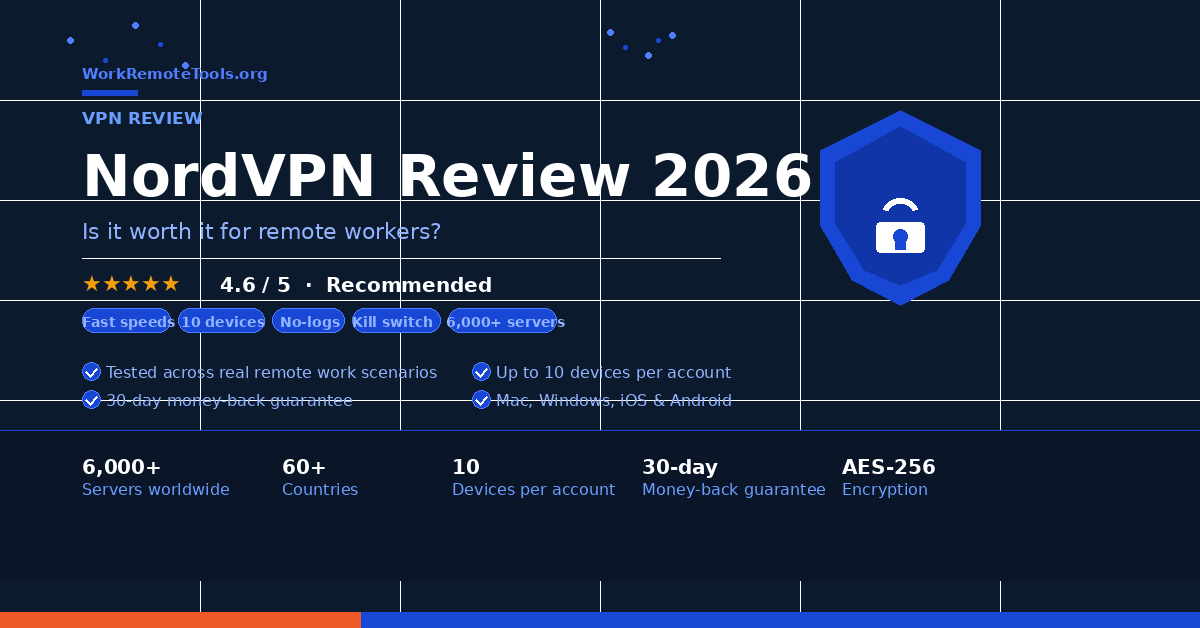
NordVPN Review 2026: Is It Worth It for Remote Workers?
Pros
- Extremely fast — minimal impact on video calls
- 6,000+ servers in 111 countries
- 10 devices on one account
- Reliable kill switch, audited no-logs policy
- Clean apps on every platform
- Threat Protection blocks trackers and malware
Cons
- Monthly plan is expensive ($12.99/mo)
- Renewal pricing jumps after intro period
- Some server slowdowns at peak times
Working remotely means you’re regularly on networks you didn’t set up and don’t control — hotel WiFi, coffee shop hotspots, shared coworking spaces, airport lounges. Every one of those is a potential exposure point for client data, internal documents, passwords, and your entire work communications stack.
I’ve been using NordVPN as my daily VPN for over a year. It’s not the cheapest option, but it’s the one I keep coming back to because it’s fast enough that I genuinely forget it’s running. Here’s my honest take.
What Is NordVPN and Why Do Remote Workers Need a VPN?
NordVPN is a premium VPN service that encrypts your internet traffic and routes it through secure servers before it reaches its destination. What that means practically: anyone monitoring the network you’re on — your ISP, a bad actor on the same WiFi, or a surveillance system at a corporate guest network — sees encrypted noise instead of your actual data.
For remote workers, this matters because you’re handling sensitive traffic constantly. Client contracts, financial data, Slack messages, Google Drive, CRM access, internal tools — all of it moves over networks you didn’t secure. A VPN doesn’t solve every security problem, but it’s a strong baseline that takes 30 seconds to turn on.
Pair it with a password manager. NordVPN protects your connection; a password manager protects your credentials. NordPass (made by the same company) works well together, and there’s often a bundle deal available.
NordVPN Features That Actually Matter for Remote Work
Speed. This is the one that kills most VPNs for remote workers. If your VPN slows your connection enough to cause video call lag, you’ll stop using it. NordVPN runs on NordLynx — a custom protocol built on WireGuard — and the speed difference is genuinely noticeable compared to older OpenVPN implementations. I run it on every video call and have never had it flagged as the cause of quality issues.
Device limit. 10 simultaneous devices on one subscription. That covers your laptop, phone, tablet, home router, and still has room for shared household devices. Most competitors cap at 5-6.
Kill switch. If the VPN connection drops, the kill switch cuts your internet connection entirely rather than letting traffic leak unencrypted. Essential for anyone handling sensitive client data.
Threat Protection. NordVPN’s built-in feature that blocks known malware domains, trackers, and intrusive ads at the DNS level — even when the VPN isn’t active. Useful layer of protection when browsing unfamiliar research sites.
Speed and Performance — Will It Slow Down Your Video Calls?
Short answer: not meaningfully. I’ve tested NordVPN across a range of connection types — home fiber, hotel WiFi, coffee shop networks, and airport hotspots — and the performance has been consistently solid on nearby servers.
On a 300 Mbps fiber connection at home, I typically see 10-15% speed reduction on nearby servers and up to 25-30% on servers in other continents. For video calls, email, and file transfers that’s irrelevant. For large file uploads (raw video, design assets) it can add a few minutes.
The caveat: peak-hours slowdowns are real on some popular server locations. If you’re connecting to a US server from Europe or vice versa during US business hours, some servers can get congested. The fix is to try a different server in the same region — NordVPN makes this easy with their auto-select feature.
NordVPN Pricing in 2026
| Plan | Price | Devices | Best For |
|---|---|---|---|
| Basic 2-Year | ~$3.99/mo | 10 | Best value — what most people should get |
| Plus 2-Year | ~$4.99/mo | 10 | Adds NordPass password manager |
| Complete 2-Year | ~$6.99/mo | 10 | Adds 1TB cloud storage |
| Basic Monthly | $12.99/mo | 10 | Short-term use only — expensive long-term |
Current deal: 1-year NordVPN Basic for $19 at Newegg using code FCF357. That’s $14 off — the lowest price I’ve seen for a full year of coverage. See the deal →
NordVPN vs ProtonVPN — Which Should Remote Workers Choose?
These are the two VPNs I’d actually recommend to remote workers, and the choice comes down to your priorities.
Choose NordVPN if you prioritize speed, simplicity, and having more servers to choose from. NordVPN’s apps are more polished, the server network is larger, and NordLynx is genuinely faster than most alternatives. It’s the better pick if you just want something that works without thinking about it.
Choose Proton VPN if you’re more privacy-focused and want a fully open-source, Switzerland-based solution with a credible privacy track record. Proton VPN’s free tier is also genuinely usable — unusual for a free VPN — and the Proton ecosystem (Mail, Drive, Pass) is compelling if you want to go further with privacy.
Who Should Buy NordVPN and Who Should Skip It
Buy it if: You regularly work from public networks, handle sensitive client data, travel frequently, or just want baseline network protection you can set once and forget. See our full list of remote work security tools for more picks. At $3.99/mo on the 2-year plan it’s genuinely good value.
Skip it if: You only work from a trusted home network with no travel or remote location work. You’re happy with Proton VPN’s free tier for occasional use. Or you’re on a very tight budget and a free option is genuinely sufficient for your use case. If unlimited devices is your priority, Surfshark is worth comparing.
Final Verdict
NordVPN is the VPN I recommend most often because it threads the needle between speed, simplicity, and genuine privacy protection. It’s not perfect — the monthly pricing is steep and renewal rates increase after the intro period — but on a 1-2 year plan it’s one of the best security investments a remote worker can make.
If you’re going to work remotely for the foreseeable future, a VPN is infrastructure, not optional. NordVPN is the one I’d put on day one.
Get NordVPN — Current Deal
30-day money-back guarantee. Cancel anytime.
Frequently Asked Questions
Yes. NordVPN has undergone multiple independent audits confirming its no-logs policy. It uses AES-256 encryption, a certified no-logs policy audited by PricewaterhouseCoopers, and NordLynx protocol for fast, secure connections. It’s one of the most trusted VPNs available.
Not meaningfully on nearby servers. The NordLynx protocol is fast enough that most users notice no difference in video call quality. On servers in distant countries, you may see 20-30% speed reduction, but for HD video calls this is rarely a problem.
All NordVPN plans cover 10 simultaneous devices — laptop, phone, tablet, and more. This is more generous than most competitors, which typically cap at 5-6 devices.
The 2-year Basic plan is typically around $3.99/mo. Periodic deals (like the Newegg promo with code FCF357) can get a 1-year plan as low as $19. Check the current deal on our deals page for the latest offers.
NordVPN doesn’t have a free tier, but offers a 30-day money-back guarantee. If you want a free VPN, Proton VPN’s free plan is the most credible free option — genuinely usable with no data cap, just slower speeds and fewer servers.
Disclosure: This post contains affiliate links. WRT.org earns a commission if you purchase through our links at no extra cost to you. Our recommendations are never influenced by commission rates. Full disclosure →